Set availability and context
Teacher profile and availability flow become the source of truth for tutoring, rates, certificates, and content language.

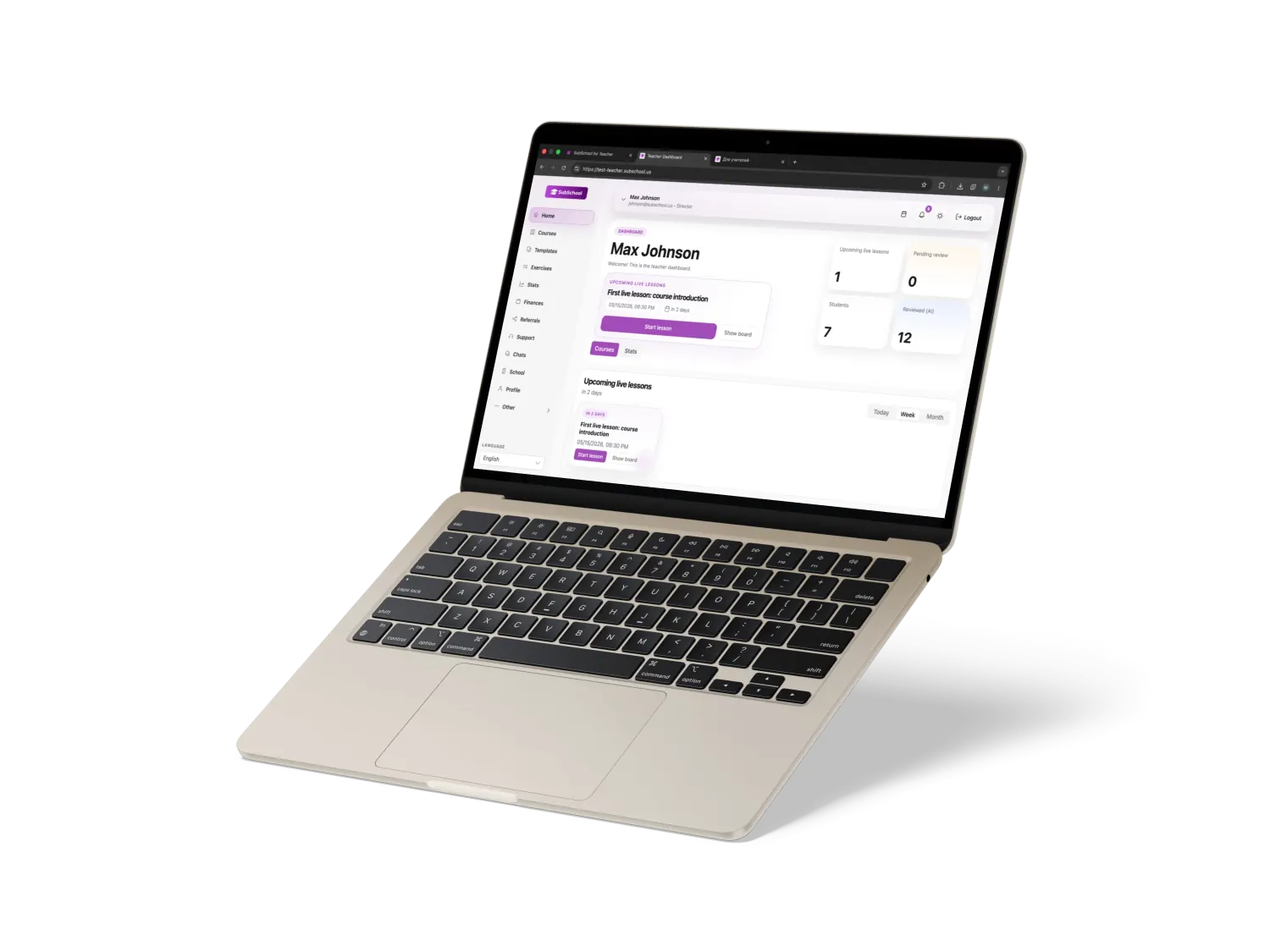
Manage scheduling, online lessons, lesson materials, homework, and student progress in one teacher workspace without scattered chats or spreadsheets.
Tutor workflow
A tutoring session is more than a video-call link. SubSchool keeps profile, schedule, lesson materials, homework, and progress close to the teacher.
Teacher profile and availability flow become the source of truth for tutoring, rates, certificates, and content language.
Upcoming live classes and tutoring sessions are visible in the teacher workspace, so the next step does not disappear in chat.
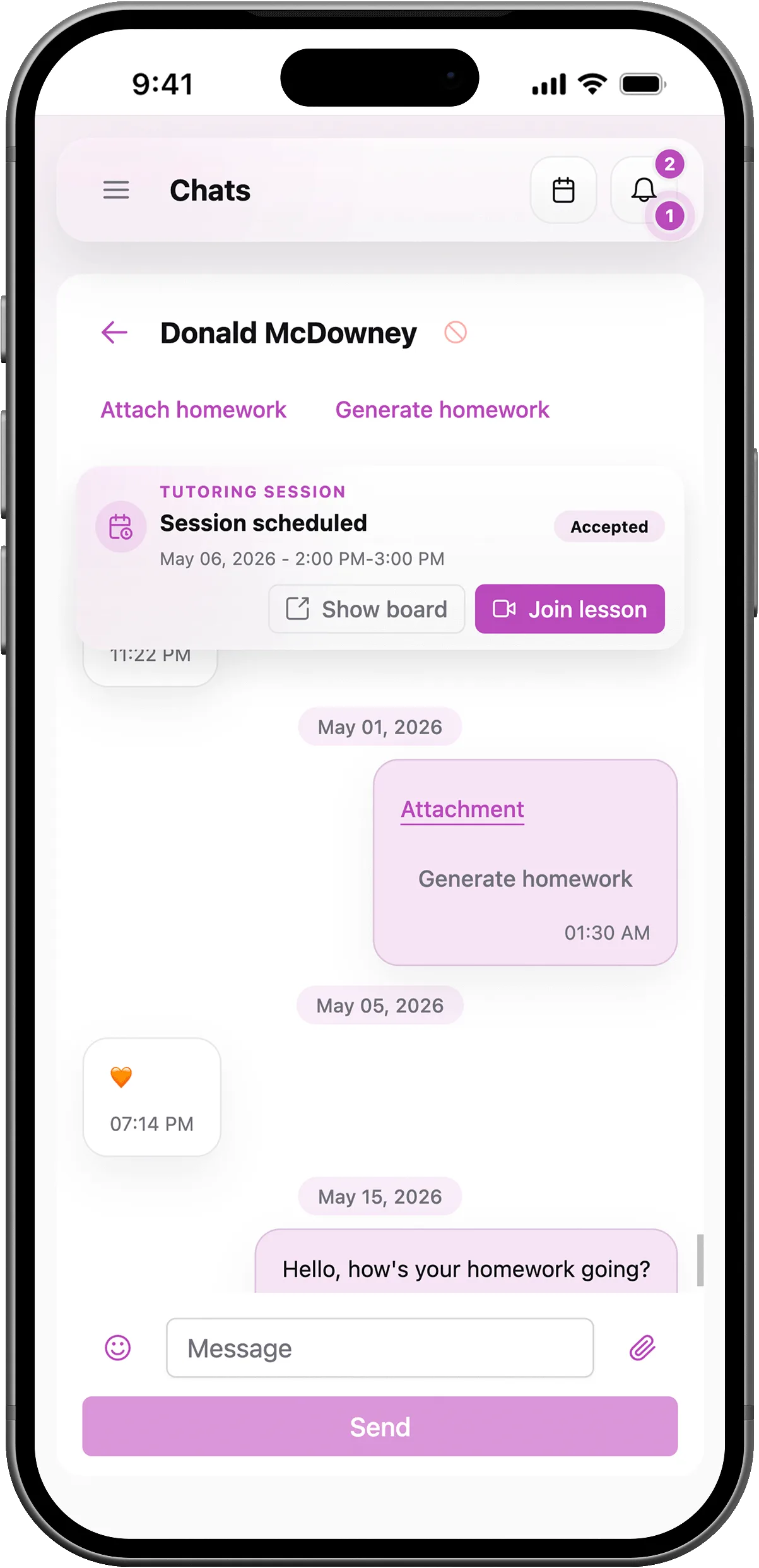
Prepare follow-up, connect it to a course or lesson, and keep review signals near student progress.
Less fragmentation
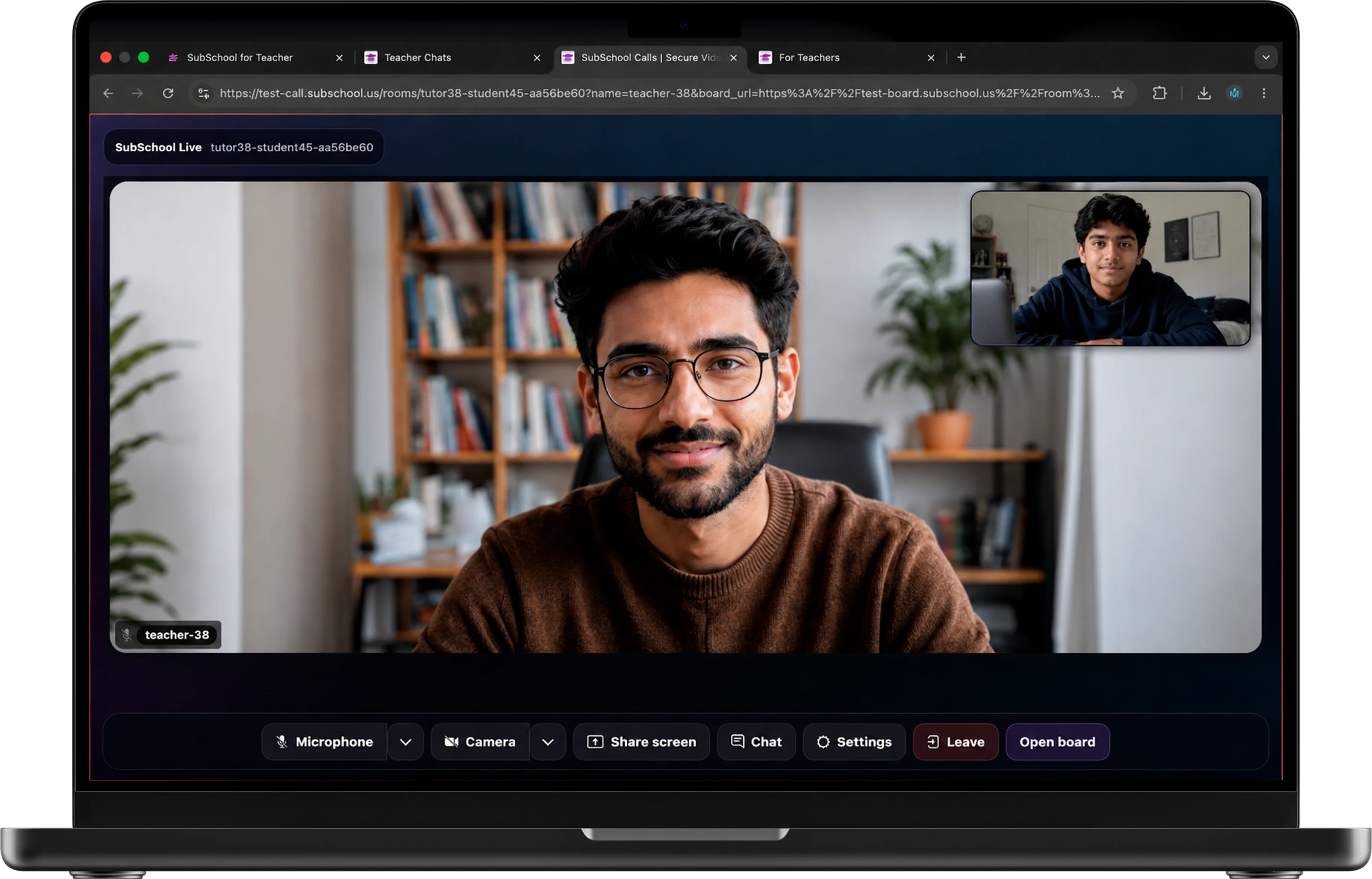
SubSchool is designed for tutors who need more than a calendar invite: the live lesson, materials, homework, student progress, and payment context need to stay connected.
A tutor has to move context across several tools and rebuild the story before every session.
The tutoring workflow stays near lessons, schedule, student communication, assignments, and progress.
Tutor workspace
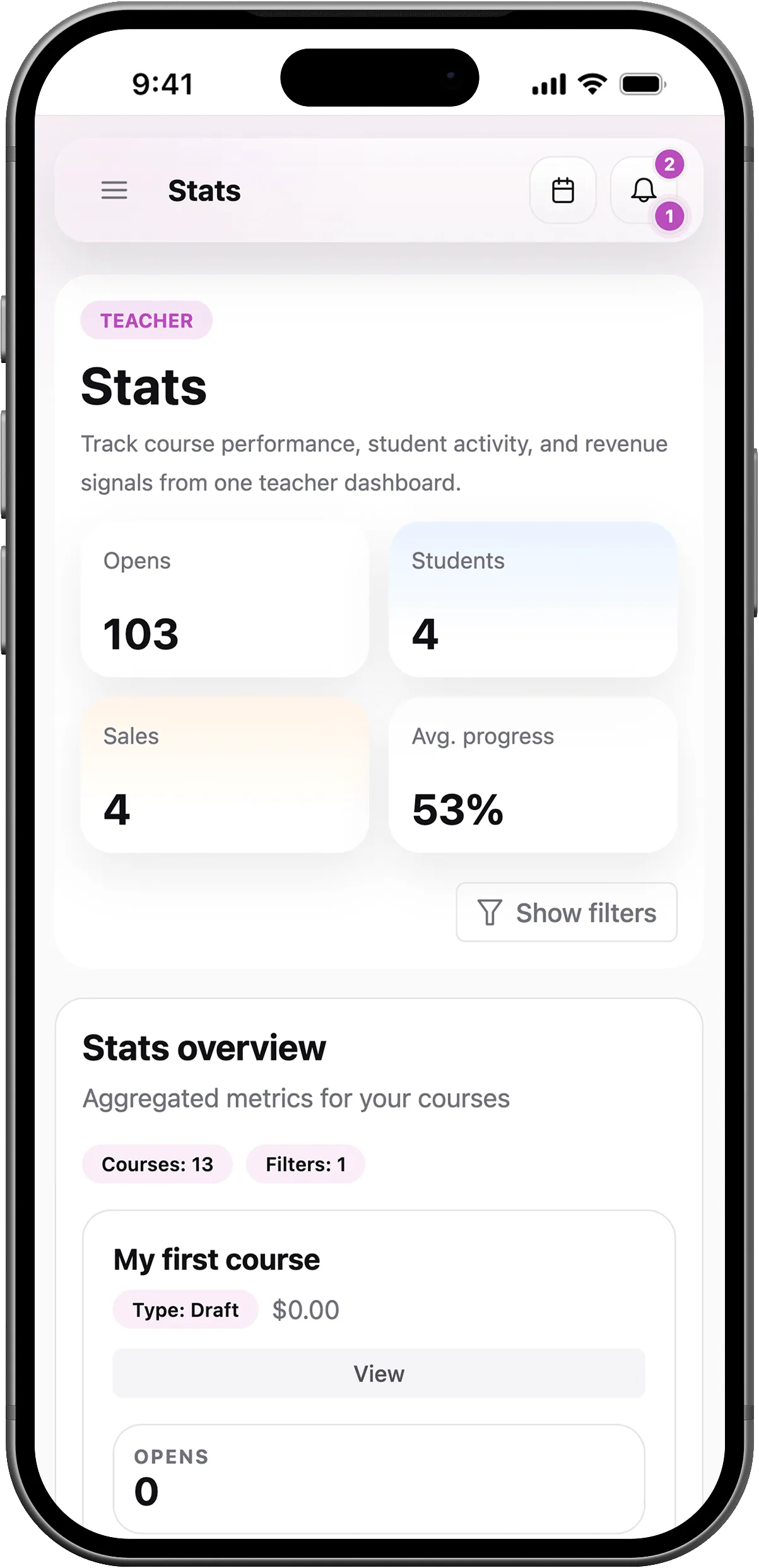
Keep the tutor profile, availability, live sessions, homework, student messages, and progress in one workspace instead of rebuilding context before every lesson.
Profile settings cover tutor mode, rates, first-free options, certificates, bio, and content language.
Weekly availability and calendar views help tutors keep upcoming sessions and live lessons organized.
Chats can support the tutoring relationship without making the whole workflow depend on scattered messages.
Assignments, reviews, grades, and course progress give the tutor follow-up signals after the live session.
질문
Short answers about tutoring sessions, live lessons, lesson materials, homework, AI, and payments.
얼리 액세스
우리는 제한된 수의 교사와 함께 실용적인 온라인 수업 작업 공간을 만들어 가고 있습니다.