School profile and groups
Manage teachers, students, groups, and course access without separate admin spreadsheets.
Keep teachers, courses, lesson materials, live lessons, homework, students, and progress in one workspace instead of stitching together video calls, chats, and spreadsheets.
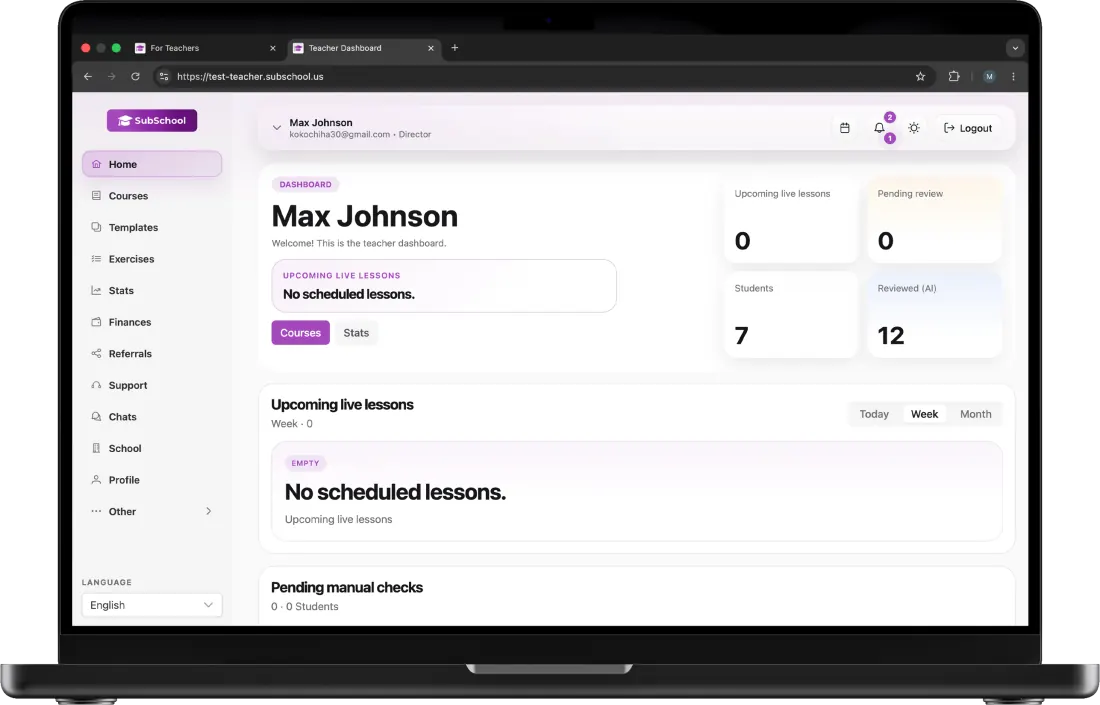
School workspace
Courses, lessons, materials, homework, students, and teacher collaboration stay in the same operational surface.
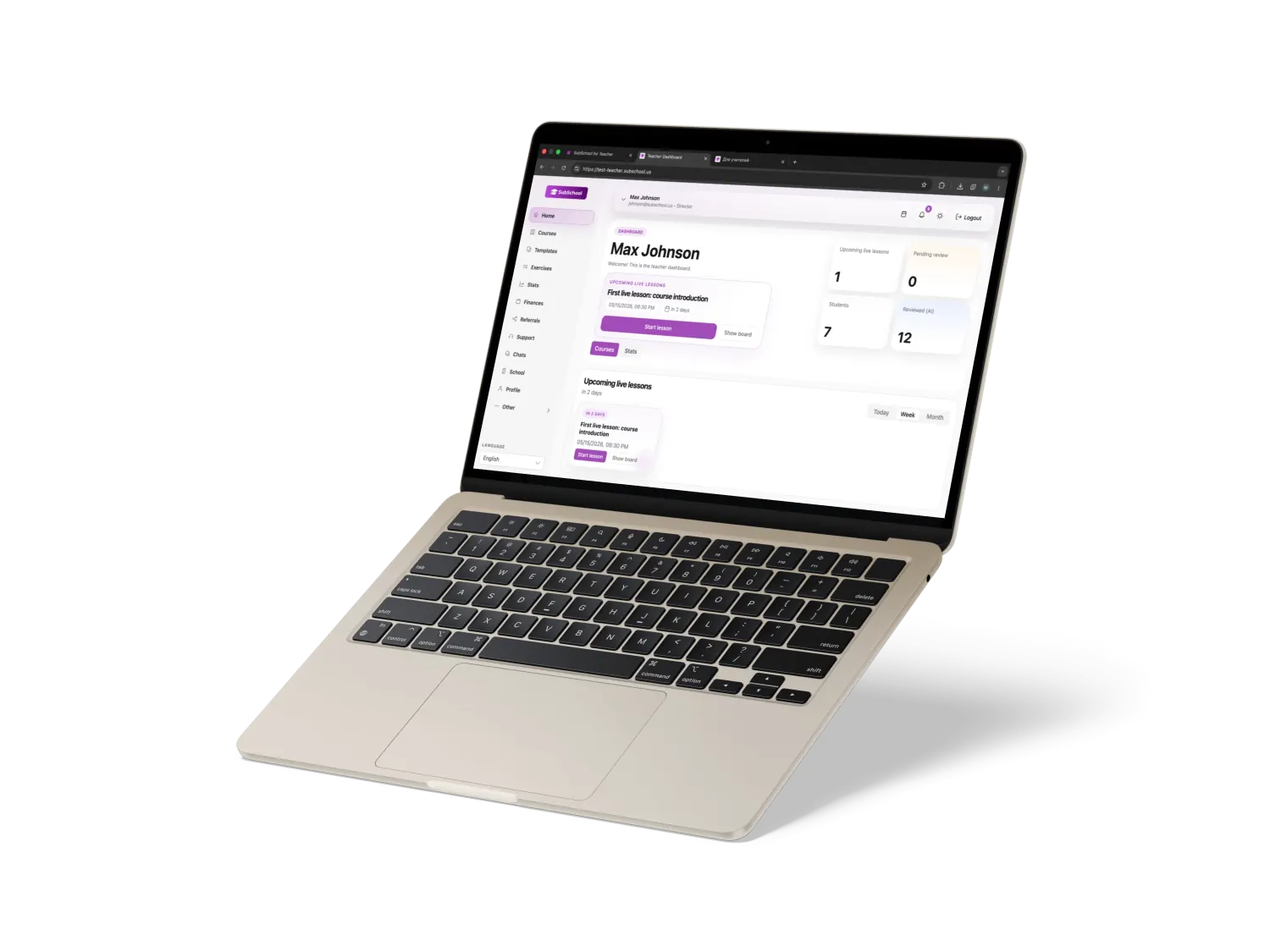
Manage teachers, students, groups, and course access without separate admin spreadsheets.
Connect structured courses, live lessons, homework, and reusable materials in one workflow.
Keep drafts and private courses protected until the school is ready to share access.
Team coordination
SubSchool is shaped for small schools that need practical course and lesson operations, not enterprise complexity.
Keep teacher and director context clear as the team grows.
Let different teachers work around courses, live lessons, assignments, and student signals.
Keep subscription, payout, and learning operation signals near the school workflow.
Learning progress
Student progress, checks, homework, and follow-up signals help the school understand where support is needed.
Completion, grades, checks, and activity give teachers a practical view of learning momentum.
Exercises and assignments stay tied to lessons, so follow-up is easier to manage.
Student requests and messages stay visible near the teaching context.
Course structure, materials, and checks make it easier to improve the program over time.
Demo access
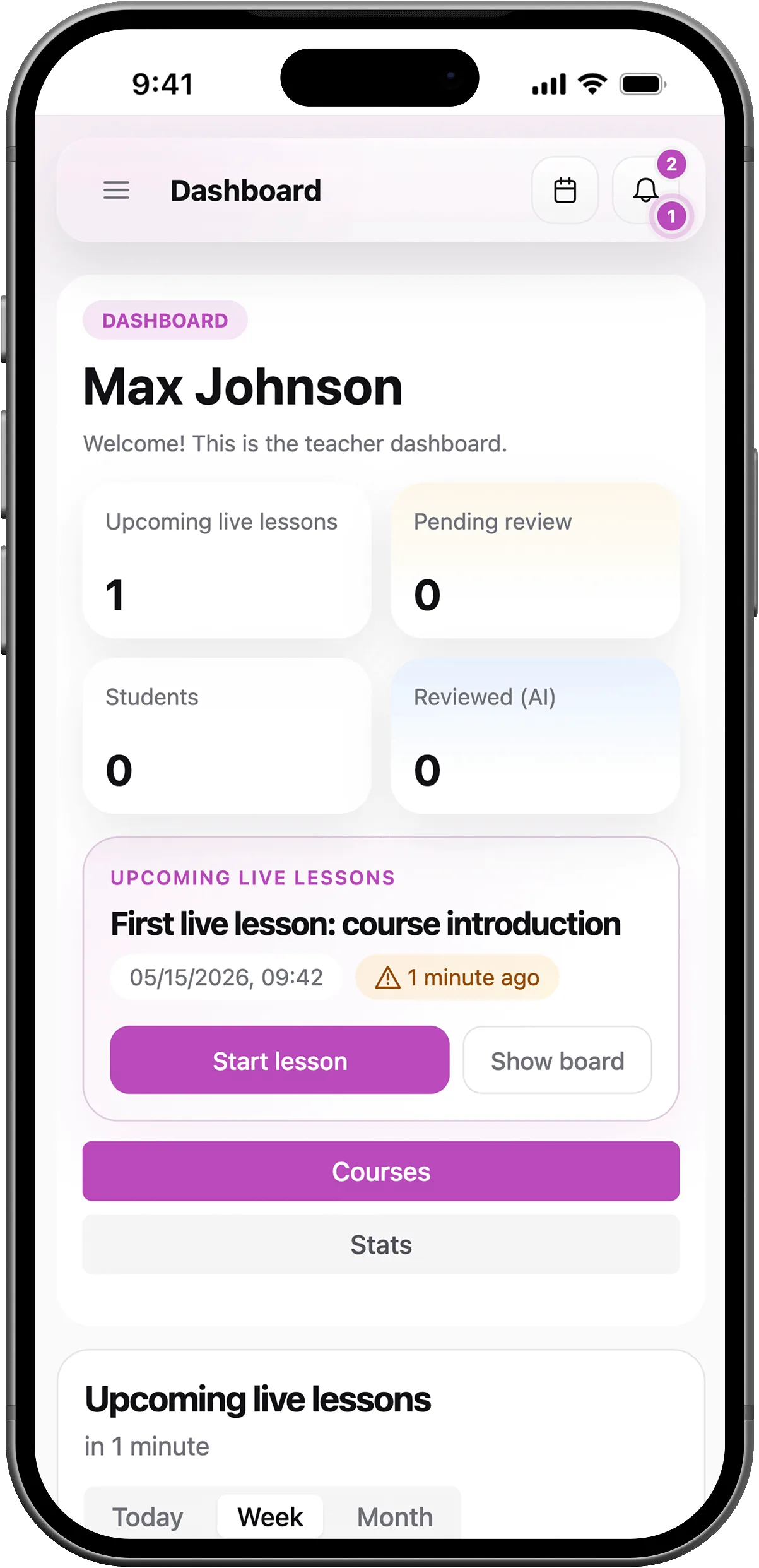
We can walk through courses, lesson materials, teachers, students, homework, progress, and operations in one SubSchool teacher workspace.
FAQ
Short answers about school workspaces, courses, lesson materials, live lessons, homework, AI, and progress.
Early access
We are working with a limited number of teachers to shape a practical online-teaching workspace together.