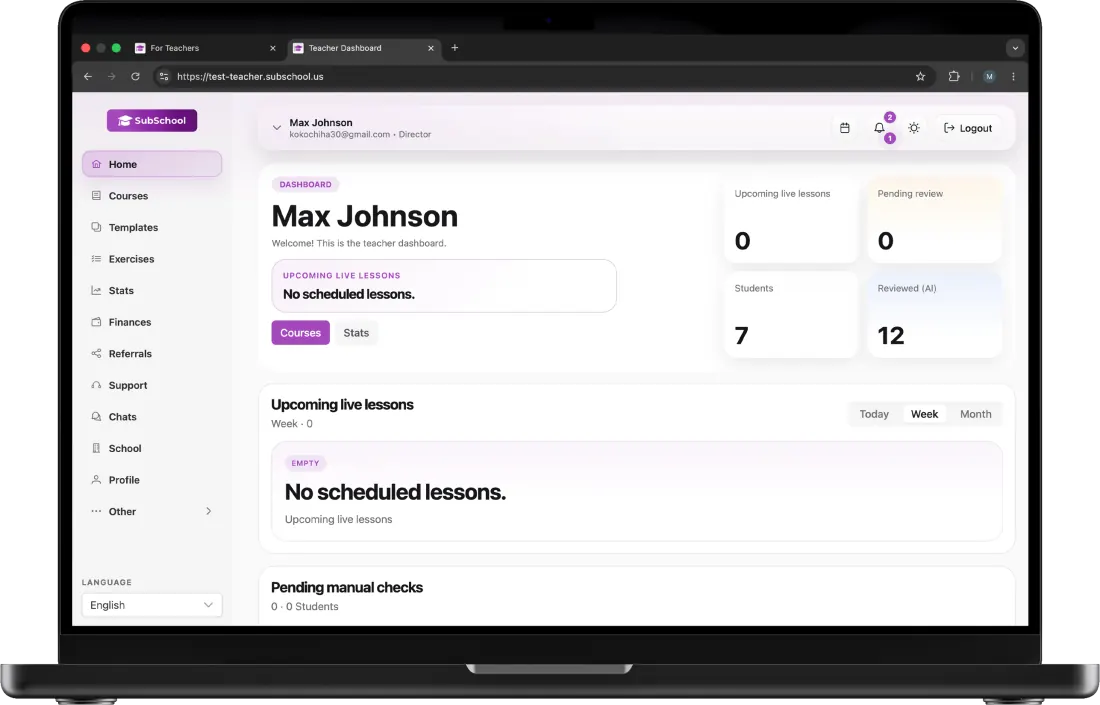
Build lessons faster
Use course structure, materials, assignments, and AI-assisted drafts as a starting point instead of rebuilding every class from scratch.
Why teachers care
SubSchool brings together the product surface teachers already need: course content, lesson materials, tutoring flow, progress, and a clean path into the teacher workspace.
Use course structure, materials, assignments, and AI-assisted drafts as a starting point instead of rebuilding every class from scratch.
Live sessions, recordings, homework, and student requests sit next to the course workflow rather than in scattered tabs.
Paid courses, lesson sales, finance tools, and school workflows stay visible as your teaching product grows.
A teacher has to carry lesson context between video tools, chats, cloud folders, spreadsheets, payment links, and calendars.
The course, live lesson, homework, progress, schedule, and payment context stay in one teacher workspace.
Built for different teaching models
Use the same workspace whether you sell one lesson, launch a course, or coordinate a small teaching team.
Manage bookings, live lessons, homework, and follow-up without splitting every student across calls, chats, and files.
Turn expertise into structured modules, lessons, pricing, and materials that stay editable before publishing.
Coordinate teaching operations with a workspace for courses, students, collaborators, and progress instead of a loose stack of tools.
What you can build
SubSchool lets you gradually connect a public offering, individual lessons, materials, homework, and live teaching without feeling like an old LMS.
Show a course or teaching offer to students inside the platform when you are ready to publish it.
An individual lesson, module, full course, or tutoring format can live together without separate tools.
Video, slides, articles, and files become a clear lesson instead of a bundle of links.
After class, prepare assignments from the topic, materials, or recording and send students the next step.
AI helps review answers, essays, or spoken tasks faster, while the final call stays with the teacher.
Private courses, school groups, and tutoring students can stay in one teaching workflow.
Workflow
Start with one course, one lesson, or a tutoring offer, then add materials, live lessons, assignments, student progress, and school operations when the process needs them.
Draft a course, prepare lessons, add tasks, and keep the program editable as your teaching style evolves.
Bring students into a clear path with materials, live moments, assignments, reviews, and next steps.
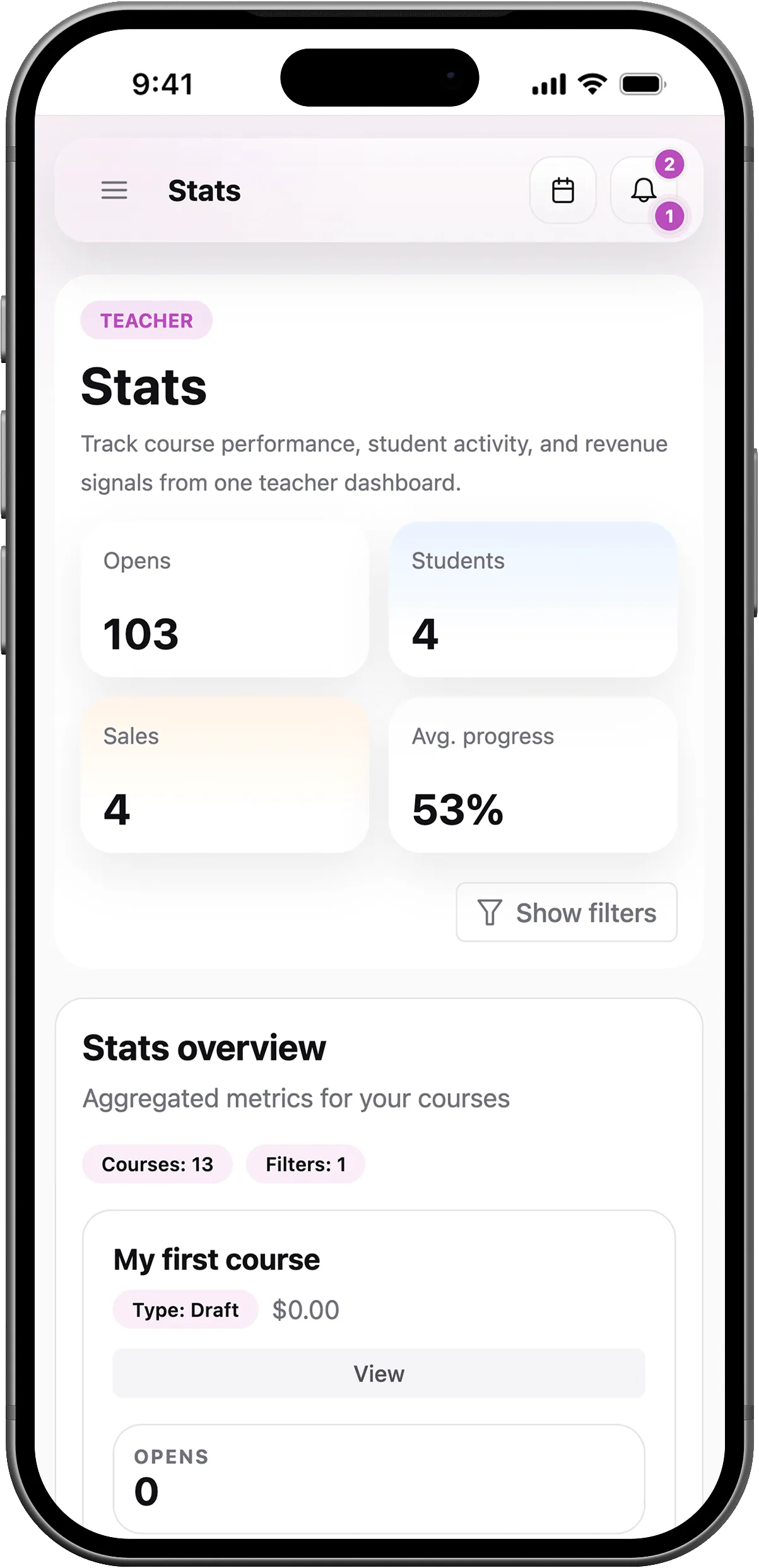
Use progress, checks, payments, and requests to understand what to improve before the next cohort.
Turn lessons into tasks, keep checks close to materials, and send students the next step without another tool.
See who is active, what needs review, and where a student or cohort may need help.
Demo walkthrough
We will show how a course, lesson materials, live lesson, and assignments can become a clear workflow for your teaching format.
Teacher-controlled AI
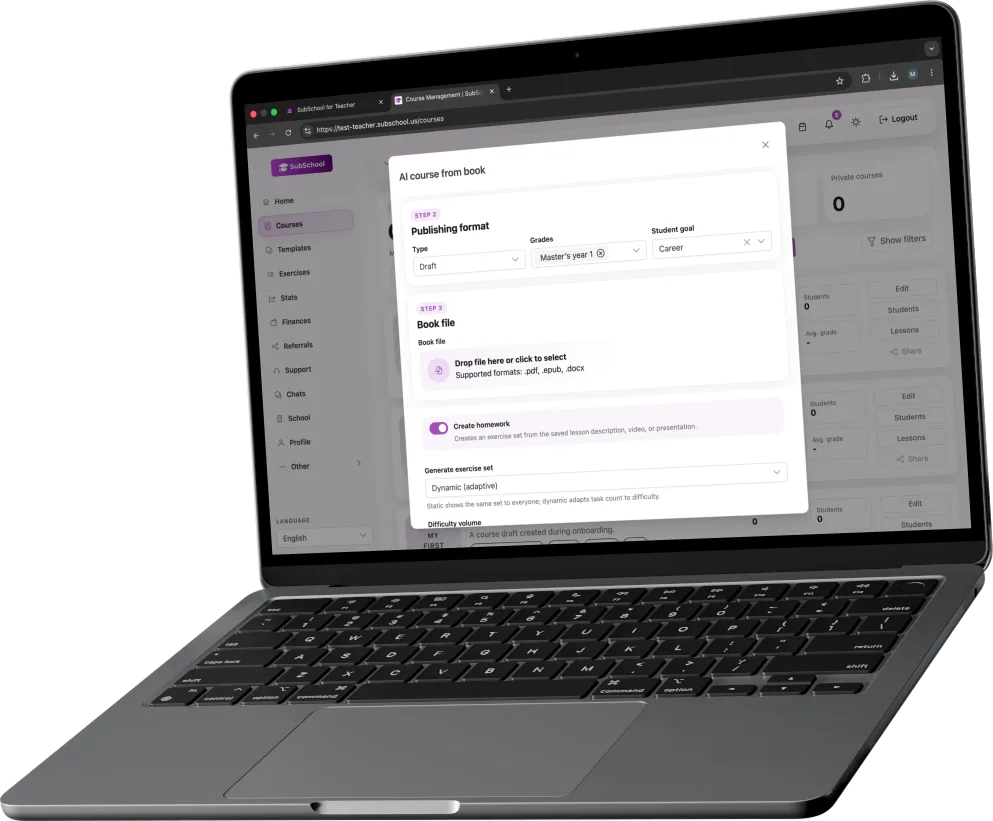
Generate course structures, lesson drafts, and assignments from a topic, document, or idea, then edit them before anything reaches students.
Live classes
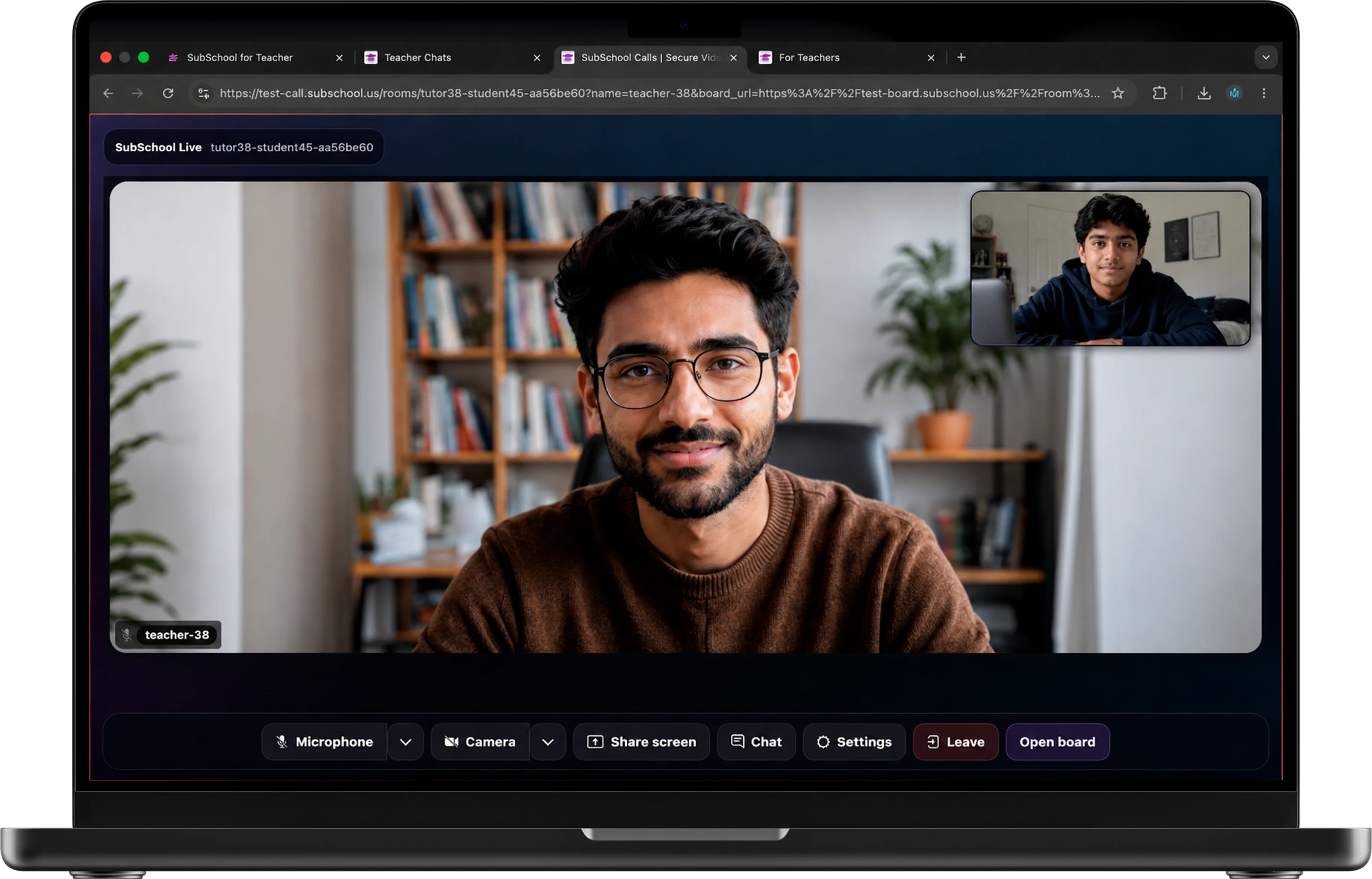
Live teaching should feel connected to the course, not like a meeting link pasted into a chat.
Anytime. Anywhere.
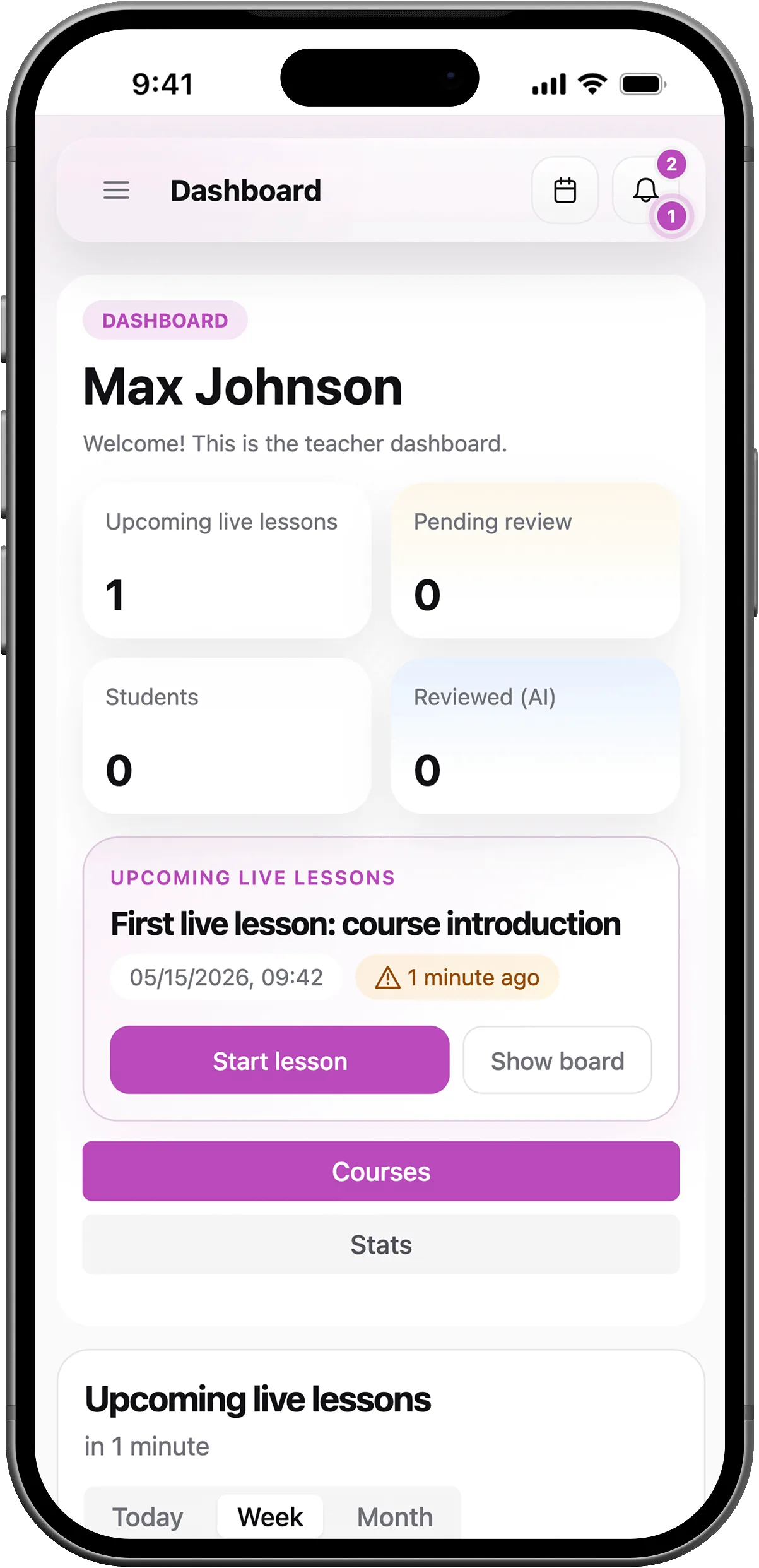
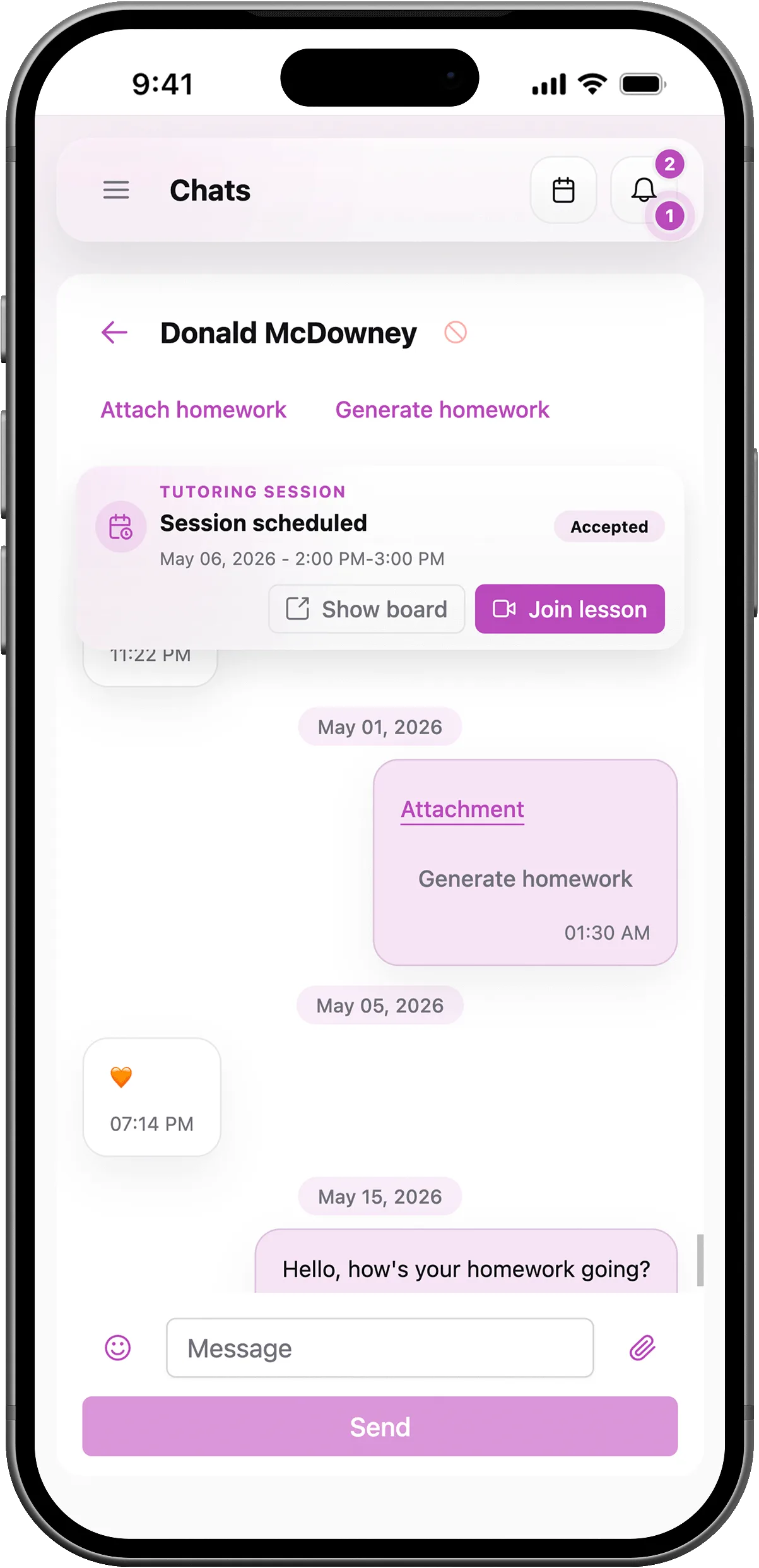
Check upcoming lessons, homework, and notifications without being tied to a desk.
FAQ
A closer look at online courses, lesson materials, live teaching, tutoring, homework, and progress in the SubSchool teacher workspace.
Early access
We are working with a limited number of teachers to shape a practical online-teaching workspace together.
Self-guided start
Open the teacher workspace and shape your first course or lesson at your own pace.