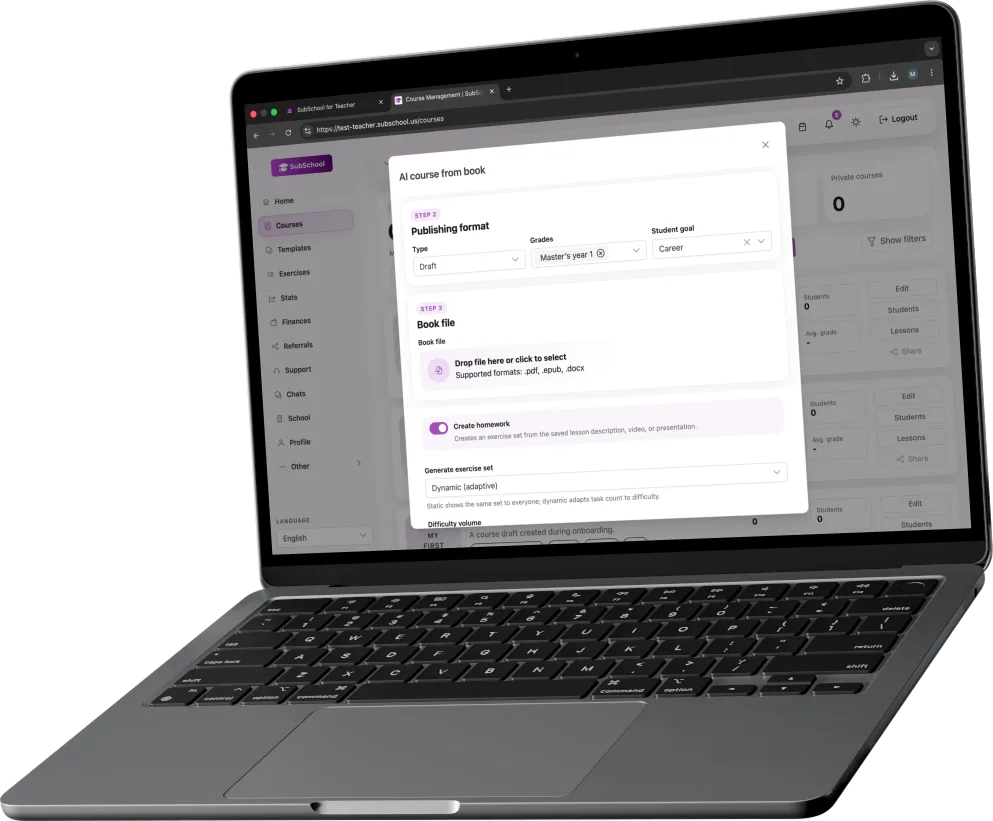
दस्तावेज़ से
Document से शुरू करें
Notes, outline या PDF अपलोड करें और course की पहली structure पाएँ, जिसे आप lesson दर lesson सुधार सकते हैं।
एक ही teacher workspace में modules, lessons, materials, pricing और homework के साथ कोर्स तैयार करें। AI आपको जल्दी शुरू करने में मदद करता है, और publish से पहले हर draft editable रहता है।
Course builder
किसी document, video या course idea को modules, lessons, homework और course settings वाली editable structure में बदलें, जो सचमुच पढ़ाने के काम आए।
दस्तावेज़ से
Notes, outline या PDF अपलोड करें और course की पहली structure पाएँ, जिसे आप lesson दर lesson सुधार सकते हैं।
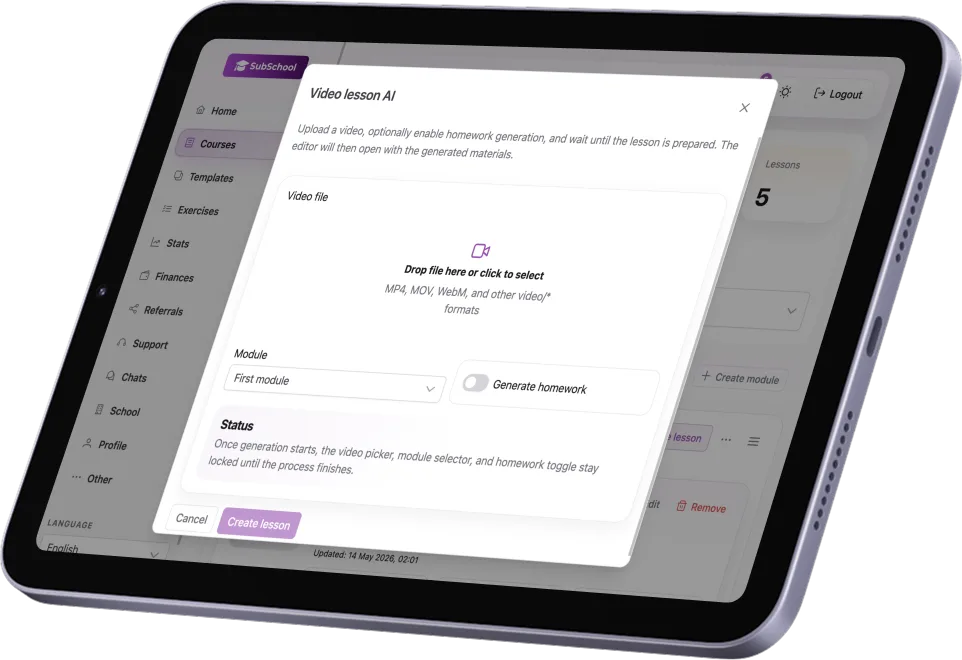
वीडियो से
Recording को lesson notes, homework और विद्यार्थियों के लिए साफ learning path की base बनाइए।
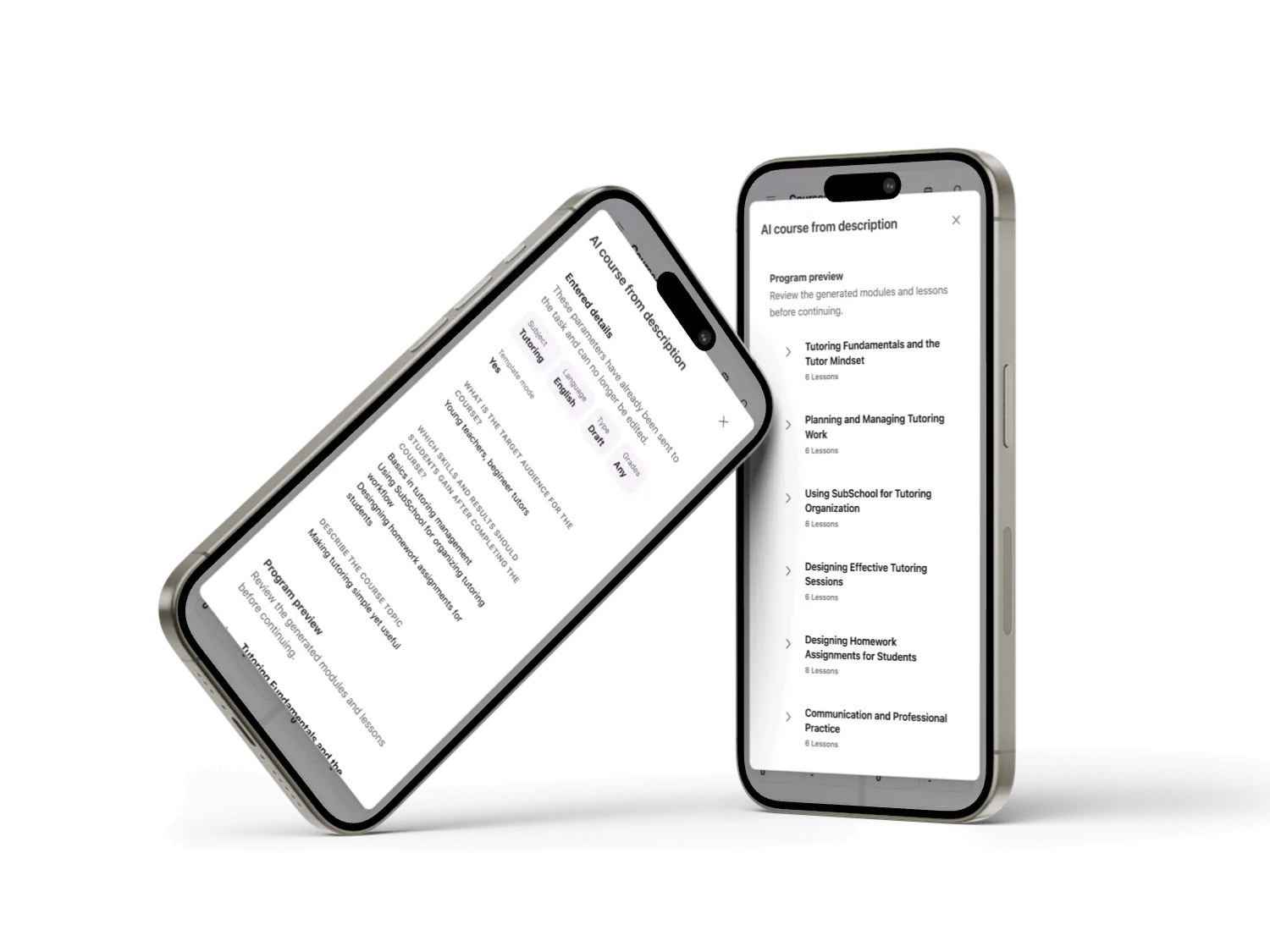
विचार से
किसी topic या program goal से शुरू करें, फिर draft को अपने teaching format के हिसाब से ढालें।
Teaching workflow
एक course में modules, lessons, materials, live moments और homework एक ही workspace में रह सकते हैं, अलग-अलग tools में बिखरने की जरूरत नहीं होती।
Program को इस तरह व्यवस्थित करें कि विद्यार्थी हर lesson का context खोए बिना उसे follow कर सकें।
Recorded lessons, PDFs, live sessions और supporting materials को एक ही course flow में मिलाइए।
AI आपको शुरुआत दे सकता है, लेकिन titles, materials, descriptions और homework पर नियंत्रण आपका ही रहता है।
Homework, checks और student progress course से जुड़ा रहता है, हर lesson के बाद कहानी दोबारा जोड़नी नहीं पड़ती।
बिक्री
Paid, private और public course modes lesson workflow के पास रहते हैं, ताकि pricing और access एक ही product जैसा लगे।
Structure और materials तैयार होने तक course को private रखें, और सच में तैयार होने पर ही access खोलें।
Course की pricing तय करें और students को क्या मिलेगा यह सेट करें, बिना किसी अलग selling tool में जाए।
Completion settings और certificates को learning flow से जोड़ें, बिना course से ज्यादा वादा किए।
डेमो
हम एक ही demo में course structure, lesson authoring, pricing और student progress दिखा सकते हैं, किसी generic product tour की तरह नहीं।
प्रश्न
Course creation, publishing, homework, live lessons और student access पर छोटे जवाब।
जल्दी पहुँच
हम सीमित संख्या में शिक्षकों के साथ मिलकर ऑनलाइन शिक्षण के लिए एक व्यावहारिक कार्यक्षेत्र बना रहे हैं।